
Visual Tutorial to Bright6 and the Best Lotto Software, Lottery Software
By Ion Saliu,
The Best Programmer of Lottery Software, Founder of Lotto Science

There is a number of Web pages at SALIU.COM that offer more in-depth help and instructions on how to use LotWon, SuperPower, and that piece of software art named MDIEditor And Lotto WE. A few links you might want to consider allocating some time to reading:
Microsoft has nightmares when it comes to its own child, DOS! But even Windows is a DOS program! Windows is a little more than a graphical interface to DOS! Keep in mind, however, that the graphical interface (GUI) was the real father of Microsoft! Sounds strange to make these mythological references to father and child. Zeus had to have his father, Chronos, killed. Microsoft had to have his competitors killed. The competitors were such giants as Lotus, WordPerfect, Ashton-Tate (dBase III). The giants (DOS software titans) were smothering the little child Microsoft. But Microsoft fed his own father, Windoze, to become a giant who killed the DOS software titans. And the rest is history, if you will… not mythology!
I want you to believe me that I only want to be as unbiased as anyone. I am technical here. My Command Prompt lottery software runs far faster than any Windows (GUI) programs, including my own pretty child, MDIEditor And Lotto WE. There has been documented on my lotto message boards that my highly optimized MDIEditor And Lotto WE has been unable to perform a specific task of generating lotto combinations… even after continuous running in days and nights. On the other hand, my console software (another euphemism for Command Prompt) performs a similar task in a mere 20 minutes! Other Windows programs are farther behind than my lottery, gambling, and scientific software.
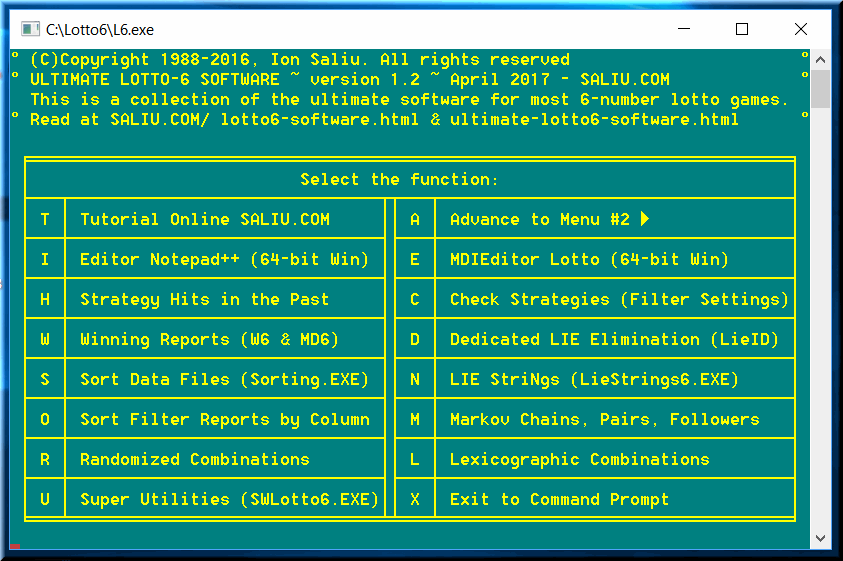
You already know how to start the software — a very large percentage of lottery users know it well. If you are in the C:\BRIGHT6 folder, just type 6 (better still B6, lately) and press [Enter]. Otherwise, you need to find the Command prompt (CMD) in your system. Usually, it is under Start, Programs, Accessories. As per above, Microsoft tries very hard to hide DOS from users.
Microsoft$ are simply paranoid. The US government had a very strong case in their antitrust legal case against Microsoft. Monopoly destroys not only competition, but also development. Just look at me: I discovered that the best way of handling processes like lotto generating, or statistical and probability generating of combinations, or mathematical calculations… much more… are significantly better served by non-graphical software. Graphical software can bear a huge burden, imposed by the graphical interface. That is the truth — monopolies have strong tendencies to kill the truth, unfortunately!
So, bear with me and hunt for that highly secretive command prompt on your own PC, will you? It's worth the effort (talking to that small percentage of users frightened by the word DOS).
If you follow the information files that accompany my software, you can also create a batch file (.BAT) to add to your AUTOEXEC.BAT file. The L6.BAT file can automate even further the starting of Bright6.
Then, each and every screen in my lotto software is self-explanatory. I embedded very informative text in every screen. You already know that after your first visits to your membership pages.
The new starting command is B6 (for lotto 6; B5 for lotto 5, etc.) It is highly recommended that you use the new interface (B*) to start the new Bright software packages. The new interface provides access to 4 menus chock-full of applications (compared to only 2 in the first version of Bright software). Instead of pressing function keys, the new interface functions by pressing a mnemonic key to start a function (e.g. E to start editing with the Notepad).
You might want to use the old starting command (e.g. 6 for lotto 6) only to use one of the best text editors: QEdit — alas, a 16-bit software application! O tempora, O mores!
Always read the... README.TXT files that accompany all my Bright software packages. They offer up-to-the-date instructions regarding the latest versions of the Bright software collections.
In my case, I use a great 16-bit DOS text editor QEdit — press function key F2. Lately, Bright lottery software employs even Notepad (press E or I). My lotto-6 data file is named PA-6 (for Pennsylvania lottery, namely the lotto 6 game). You can create and use as many data files as you want, for any game, with any of my lottery programs. I know, the rest of the lottery software vendors actually cheat. If you want lotto software for two states lotteries (or national lotteries), they ask you to pay twice. They confuse you that a data file is a lottery software package! NOT! A lotto data file is simply a collection of lottery numbers — nothing more!
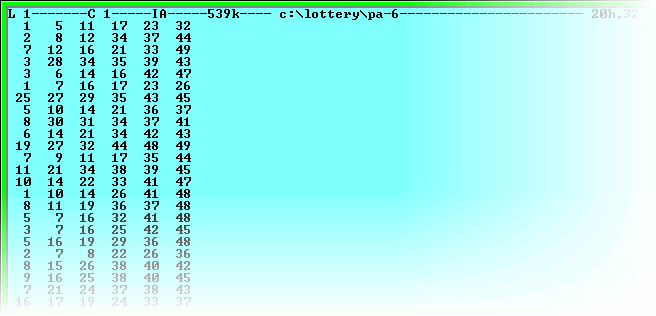
Meanwhile, be sure not to mix different game formats in your data file. If the game format changes, you always start a new lotto results file. For example, my lotto-6 game changed from '6 of 48' numbers to '6 of 49' numbers. I renamed the PA-6 file PA-6.OLD and saved it for archiving purposes (especially since I do all kinds of analyses). I created a new PA-6 data file (from scratch) for the 6 of 49 lotto game.
In this example, I entered 6 hypothetical numbers. As you can see on the screen, I separated the 6 numbers by commas and spaces. You can also use only commas or only spaces. I recommend only spaces.
After you finished editing (updating) your data file, you may want to sort it and thus format it nicely. Sorting (a standalone program in my lottery software) does a very good job at formatting the lottery results files. You can also use the sorting function in Util632 (better still, the newest and more powerful Super Utilities in the main menu).
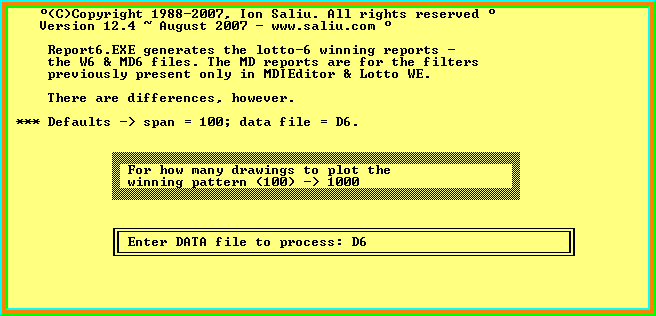
The winning reports show what values (levels) the filters had within a number of past drawings. The concept has a solid mathematical foundation. The past and the future are the same thing. What happened in the past will happen in the future as well. Of course, there is no such thing as absolute certainty (the cornerstone of Ion Saliu's categorical philosophy). We can only discern trends of various degrees of certainty.
The user should not waste her time by questioning what the lottery filters mean, what their mathematical foundation is, what their algorithms are, how they are coded in the software, etc. Those are the headaches that this super programmer deserves to have! The user should not torture his head with such problems. Unless, of course, the user is actually a pirate who wants to copycat my ideas, theories and, especially, my lotto software!
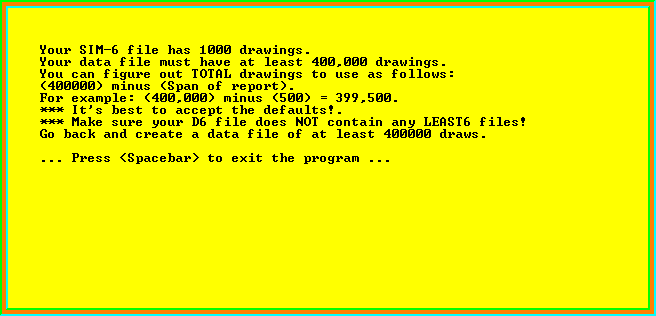
Not to worry! No lottery in the world would have ever conducted that many drawings! You simulate a data file (usually named SIM-6). Then, the software automatically combines a data file of real lotto drawings (named DATA-6 or, in my case, PA-6) with SIM-6.
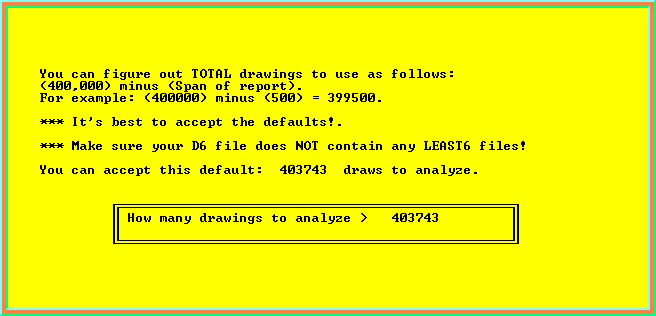
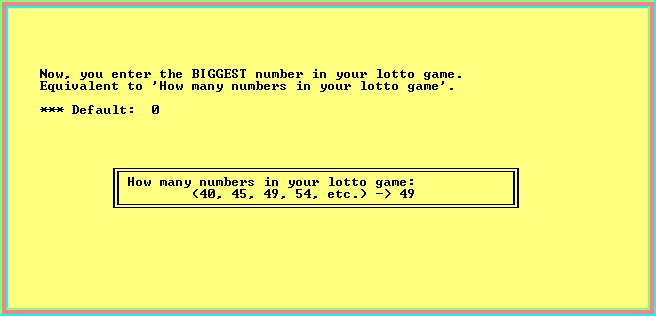
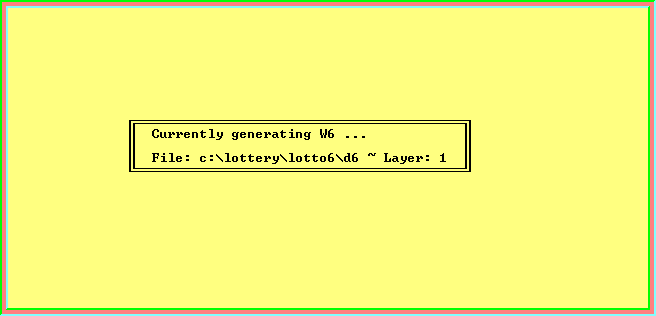
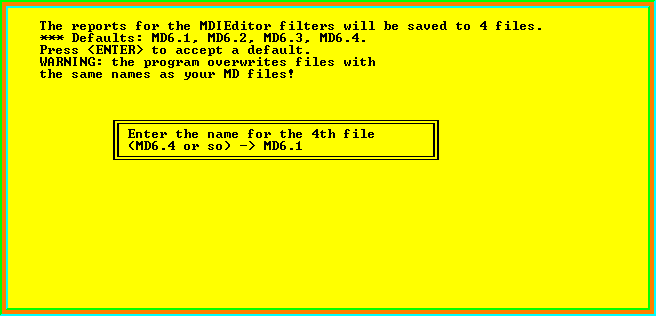
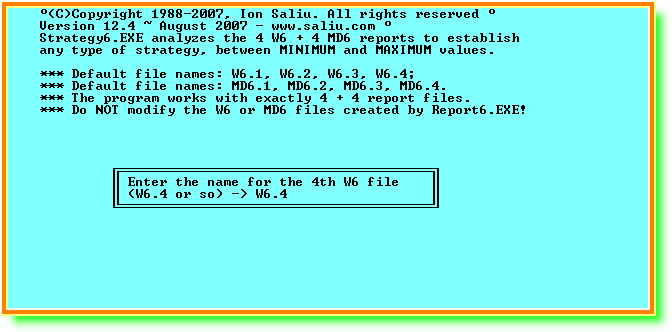
If you follow the links listed on this page, you will find plenty of information on how to set the lotto filters (i.e. select lottery strategies).
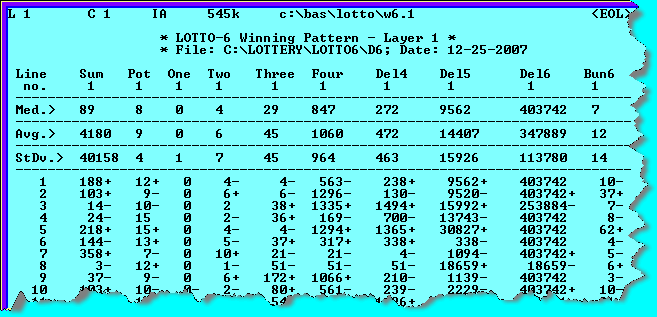
You already established a lottery strategy in the previous step. For more details, please follow carefully the following links, in addition to the previous list of links. This super psychologist recommends the following technique. Copy the relevant text in the Web pages (in the list of links). Paste the text in a word processor or text editor document (name it as you want). Then, try to edit the document using as much as possible your own style (words, wording, and sentences). We are inducing our brains into believing that the knowledge they acquired is the creation of their own.
No learning tool is more effective in acquiring knowledge and developing knowledge of your own. That's how I have done it. I have read, I have studied, I have copied and pasted, and then I have kept editing. I have acquired a huge volume of information — and I couldn't help it but discover new knowledge.
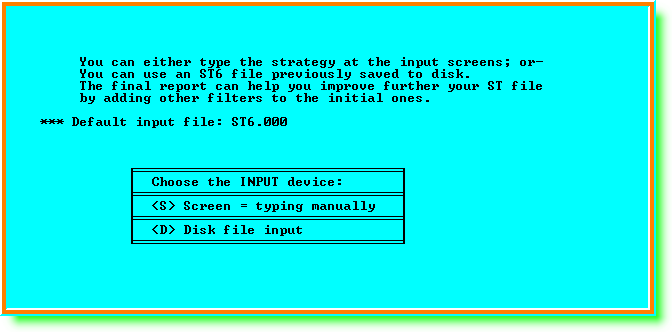
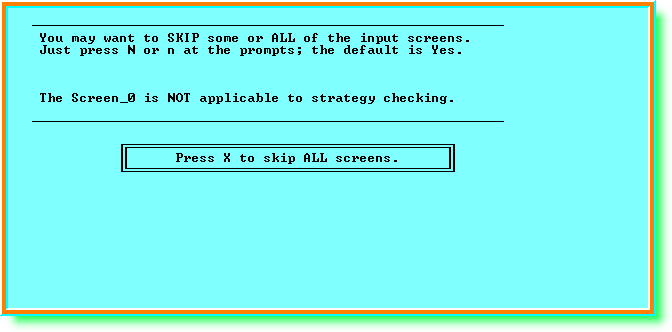
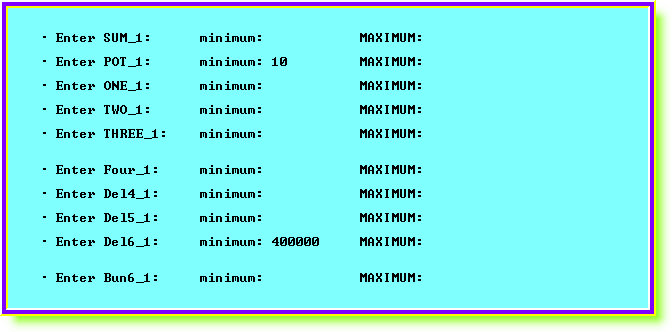
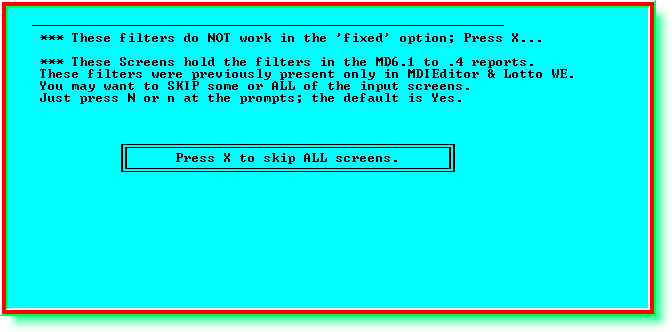
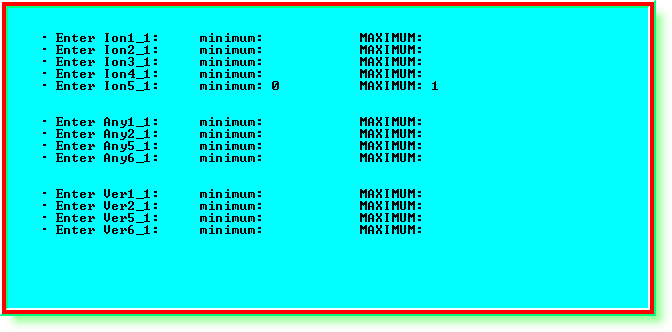
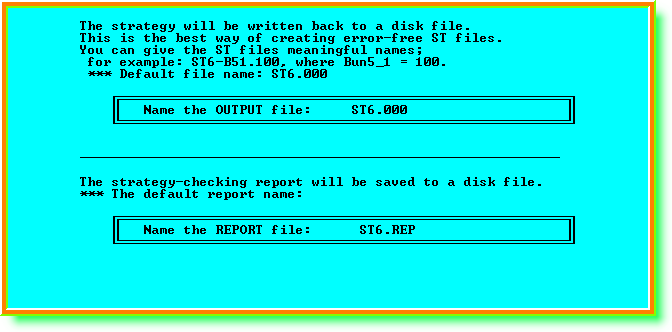
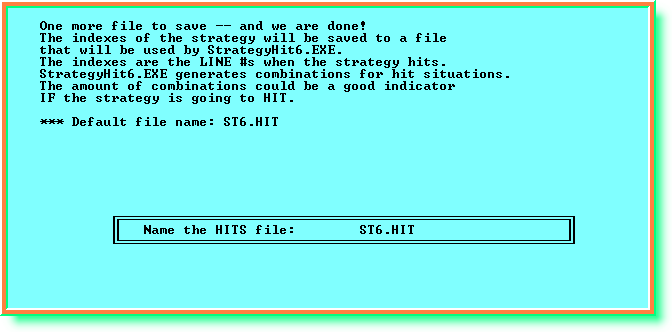
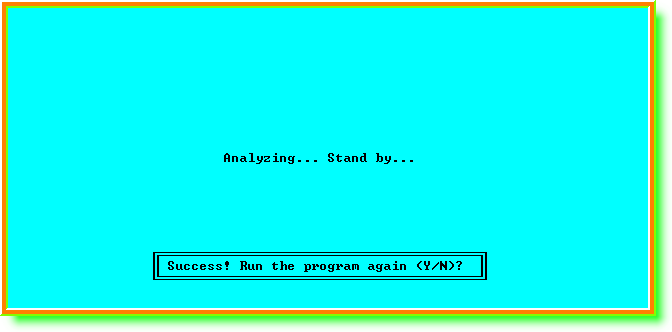
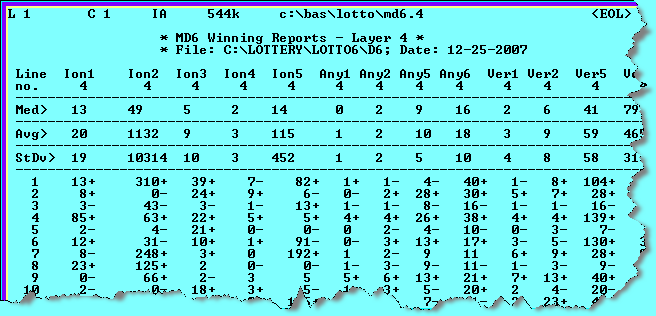
The report also shows the levels of all the filters in the software (for all W6 and MD6 reports). That gives you a lot of info on the filters. When you want to tighten your lotto strategy for runtime, you can select additional filters. Again, you do not need to select a lot of lotto filters in your strategy. Just set a few filters (in addition to the key or pivot filter(s)) that give you the highest level of confidence.
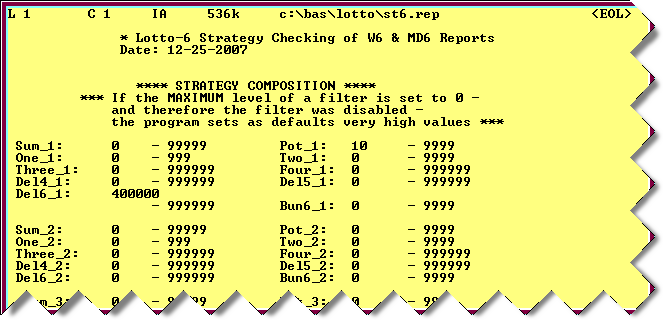
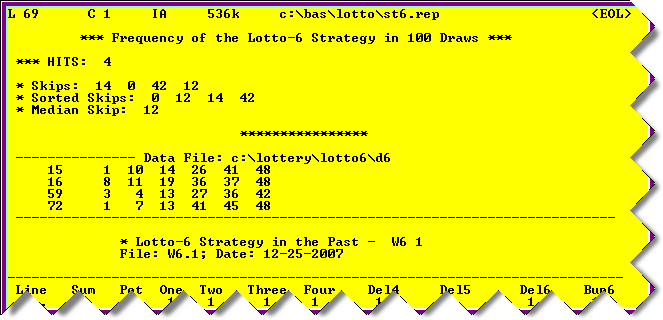
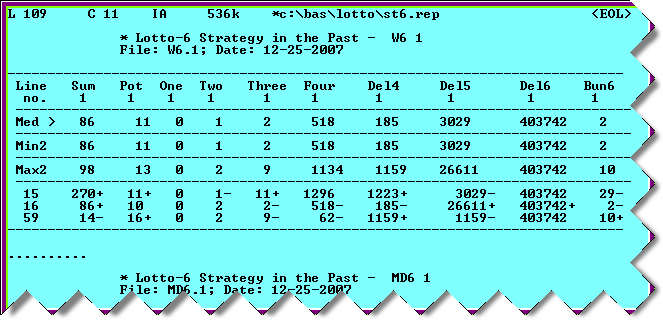
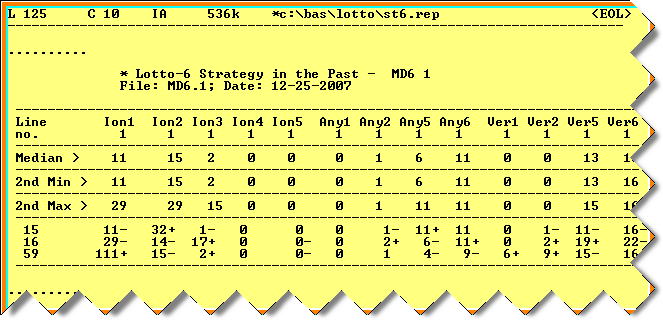
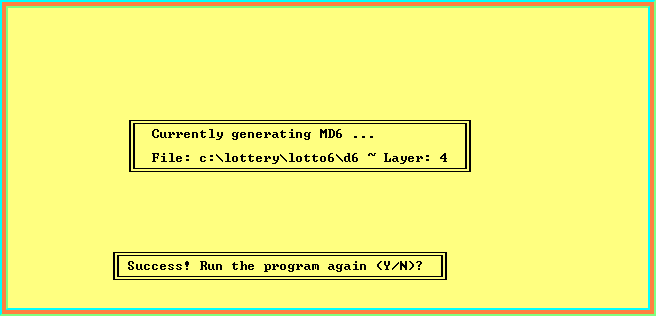
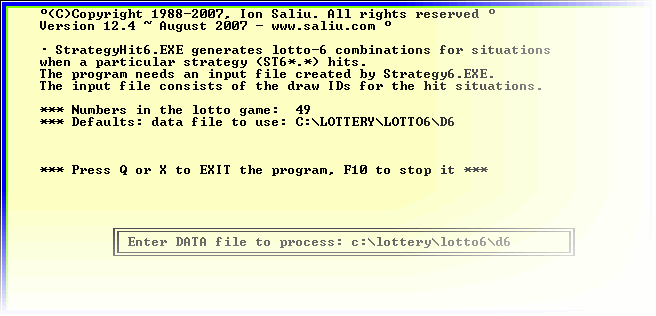
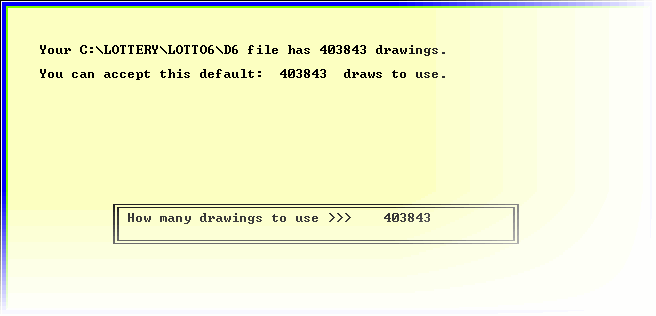
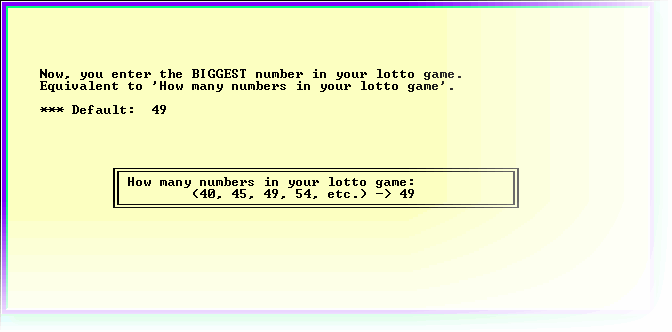
The application shows how many combinations the lottery strategy you analyzed with Strategy6 would have generated in past winning situations. This step relies on the strategy files and reports created by Strategy6. Therefore, you must run StrategyHit6 before StrategyHit6 and using the same D6 lotto data file (Data-6+SIM-6).
Synchronization is of the essence. You always make sure your D6 file is up-to-date. Next, you generate the winning reports (F5). Next, you check a lotto strategy (F3). And, then, you check a strategy for hits (F4). The final step is the lotto combination generating (F6, F7, or F8).
You can always skip the F4 step. Strategy in the past (StrategyHit6) is only an indicator. It shows you how many lotto combinations to expect, with a good approximation. Beware that this step can be very time-consuming. This process can be very, very slow. If you don't have a fast computer and you selected a very tough strategy, it is best to skip this step. Go directly to the process of generating lotto combinations.
StrategyHit6 does NOT display the combinations to screen or save them to disk. Otherwise, the process would be even slower…much slower. The application only generates the combinations internally and counts them.
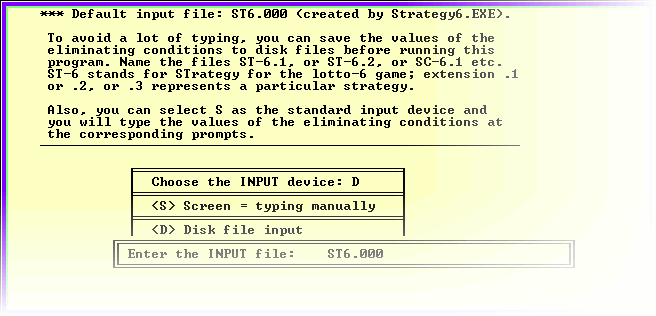
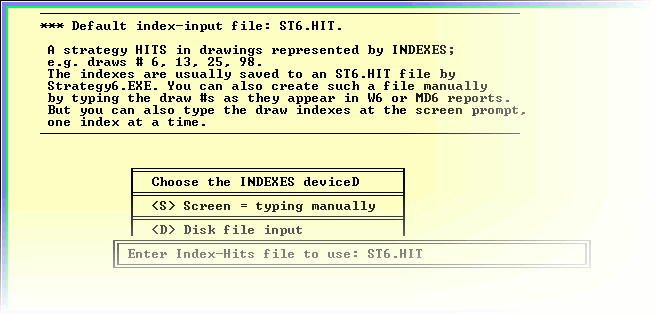
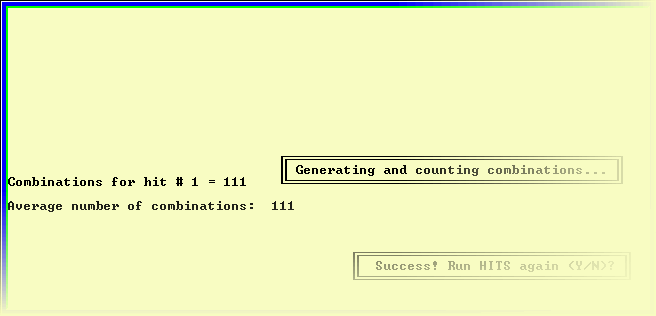
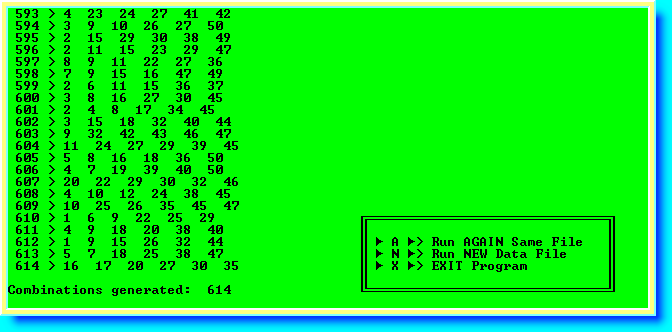
This is what is all about! Generate those lotto combinations to hit me the jackpot!
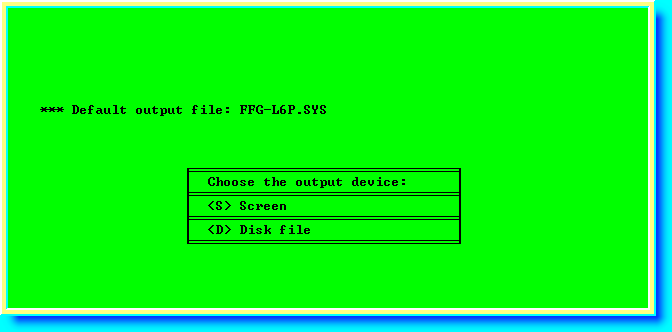
You can use a strategy file created in the steps above and you added some filters to it (the disk input option). You can also type the filter values at the prompt (the screen input option). You can display the lotto combinations to screen only (the screen output option — doesn't make a lot of sense, though). You can generate the combinations while saving them to a disk file (the disk output option). You only display to screen in order to have a pre-idea on how many lotto combinations to expect. You don't want to save to disk too many combos that would gobble up your disk (the headache of yester years)!
Again, your D6 data file must be up-to-date and in synchronicity with the steps F5 and F3.
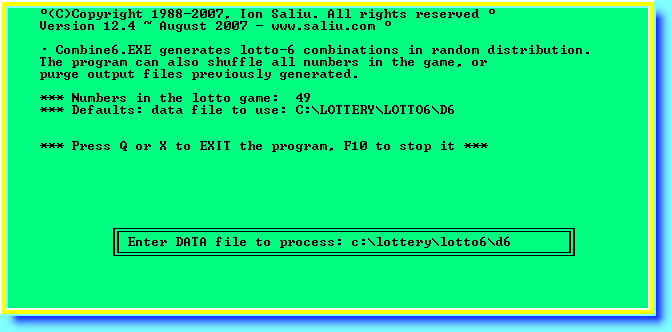
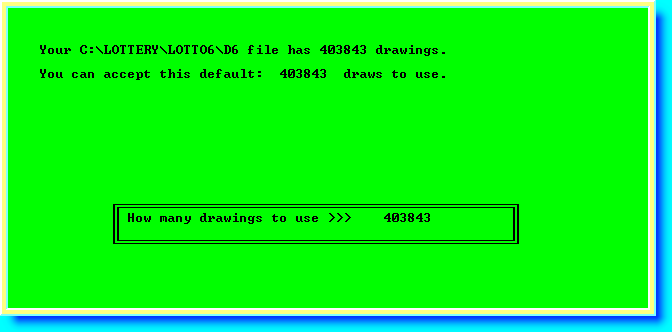
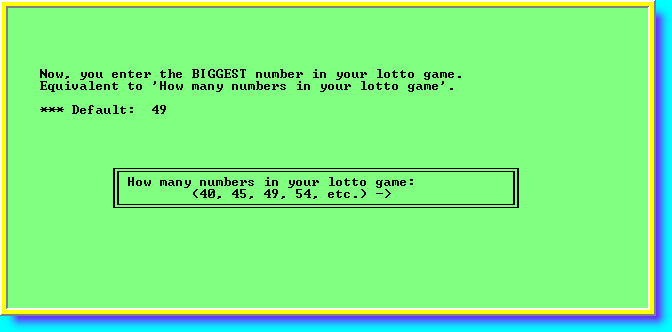
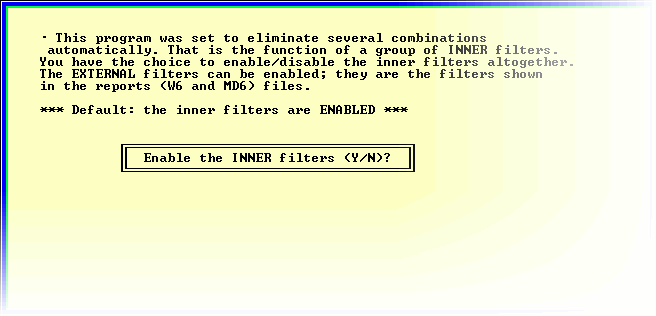
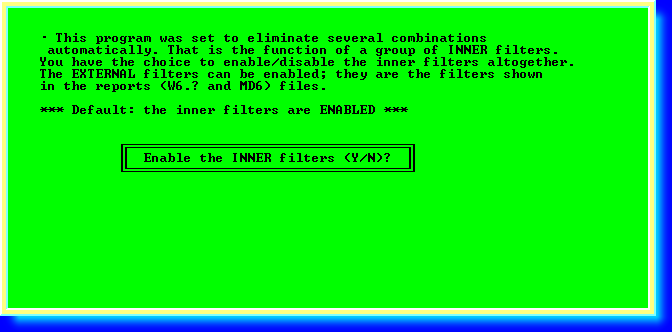
Nota bene. The inner filters are NOT analyzed in the W6 and MD6 winning reports. You may want to disable the inner filters (press N) at least in the beginning. As you gain LotWon expertise, you may want to enable the inner filters. Perhaps future versions of this incredulously great lottery software incorporate the inner filters in the winning reports.
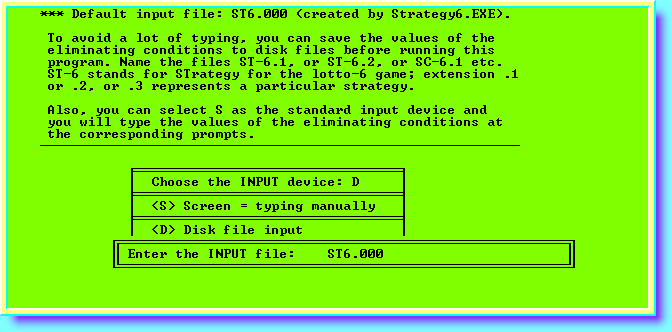
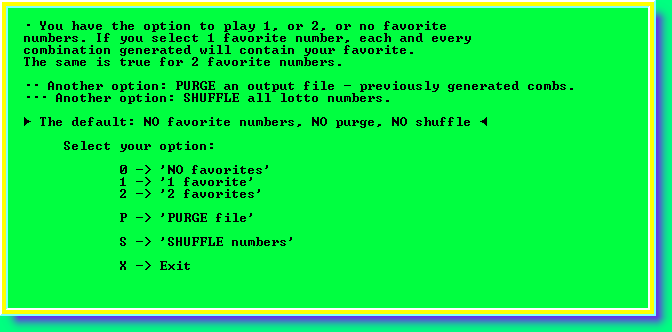
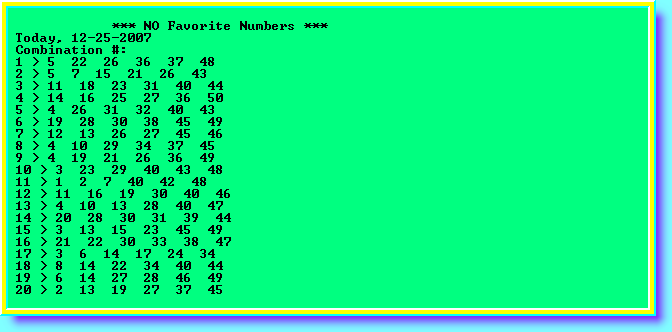
You can select to generate lotto combinations with no favorite numbers. Or, you can make sure that one of your favorite lotto numbers appears in each and every lotto combination. You can also select two favorite lotto numbers.
The Purge File option is an extraordinary feature. It is a case of expandability and interoperability. Say, you already have a file of lotto combinations previously generated. That output file must be in text format (6 lotto numbers per line separated by spaces or commas). The file of combinations could have been generated by any lotto software, not only software signed Ion Saliu. The platform does not matter (DOS or Windows). You can surely purge output lottery files generated by MDIEditor And Lotto WE.
Purging a file means that you will apply new filters in order to further reduce the amount of lotto combinations to play.
The Shuffle option is another lottery function that attracts accolades. Say, your lotto-6 game has 49 numbers. This option considers the lotto numbers as playing cards. The program shuffles the deck of cards and arranges the lotto numbers in 9 lines of 6 numbers each. The numbers are unique except for the last line (line #9 fills the line to 6 lotto numbers). This option was applied by a group of UK college professors and staff to win the lotto jackpot.
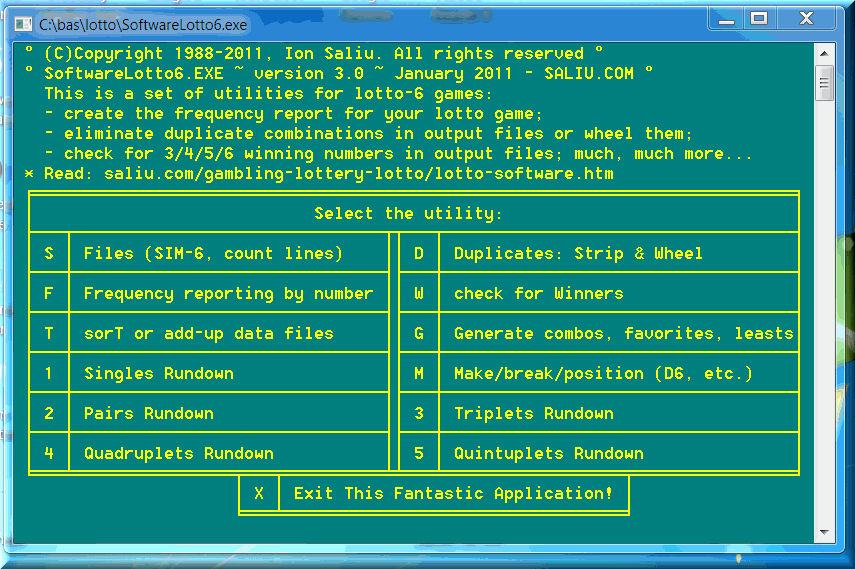
This application performs lots of auxiliary tasks. You name it, you have it! You may call Util632 the Swiss Army knife in the lottery war against the odds.
Simulate data file is the place where you create those gigantic SIM files (simulated files to make sure D6 data file contains at least 12,000,000 combinations).
You can sort here your data files. This option also sums up the numbers combinations by combination (or draw by draw).
Check for winners does exactly that. You can check any lotto output file against the latest drawing or a number of past drawings to see if your output file has any winners (from '3 of 6' to '6 of 6' winners).
The Frequency reporting performs the most comprehensive statistical analysis in the lottery world — period.
The Strip duplicates/Wheel does some extraordinary feats. For starters, it makes sure an output lotto combination file consists only of unique combinations. Usually, duplicate means two combinations that consist exactly of the same 6 numbers. We pushed the concept further. We can consider a duplicate two lotto combinations with '3 of 6' common numbers. This is the best way to play lotto wheels from output files.
The Make/Break/Position is the place where you combine DATA-6 with SIM-6 to create that huge D6 lotto data file with at least 12000000 lines. This option is so powerful that it would require its own big book.
For much more detailed information read:
Utility Software: Pick-3, 4 Lottery, Lotto-5, 6, Powerball/Mega Millions/Thunderball, Euromillions.
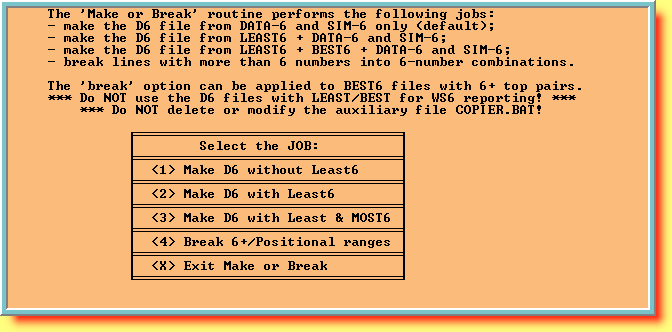
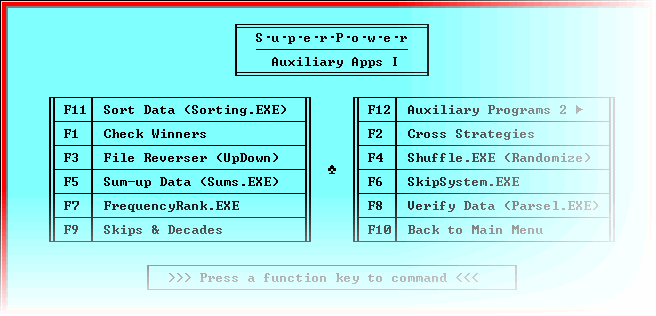
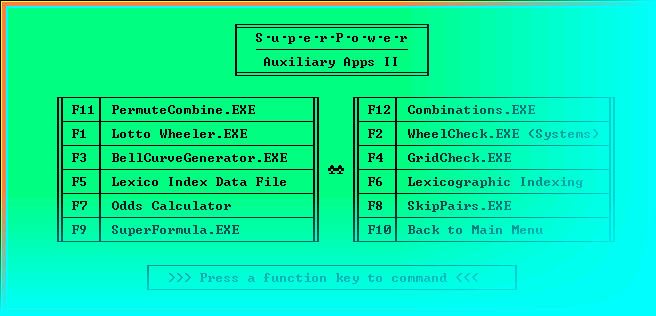
I threw in a ton of extra software programs... and then some. Just run them. They are so perfectly coded for ease of use that even I can run them hands off! I mean, I write so many pieces of software that I sometimes forget who the author is!
Just run those special programs and you'll get to squeeze the most benefit from them in a reasonably short time. The programs also recommend further worthy reading on this site.
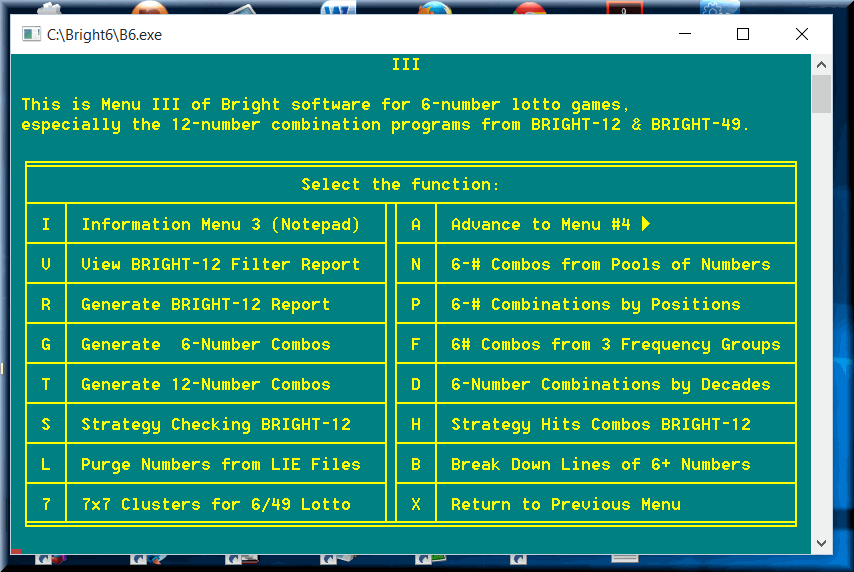
For the latest updates, including screen images, of the Bright and Ultimate lottery software, please follow the links to most recent Web pages:
Home Search Help New Writings Software Odds, Generator Contents Forums Sitemap